
Getting started with the Xelion Windows App
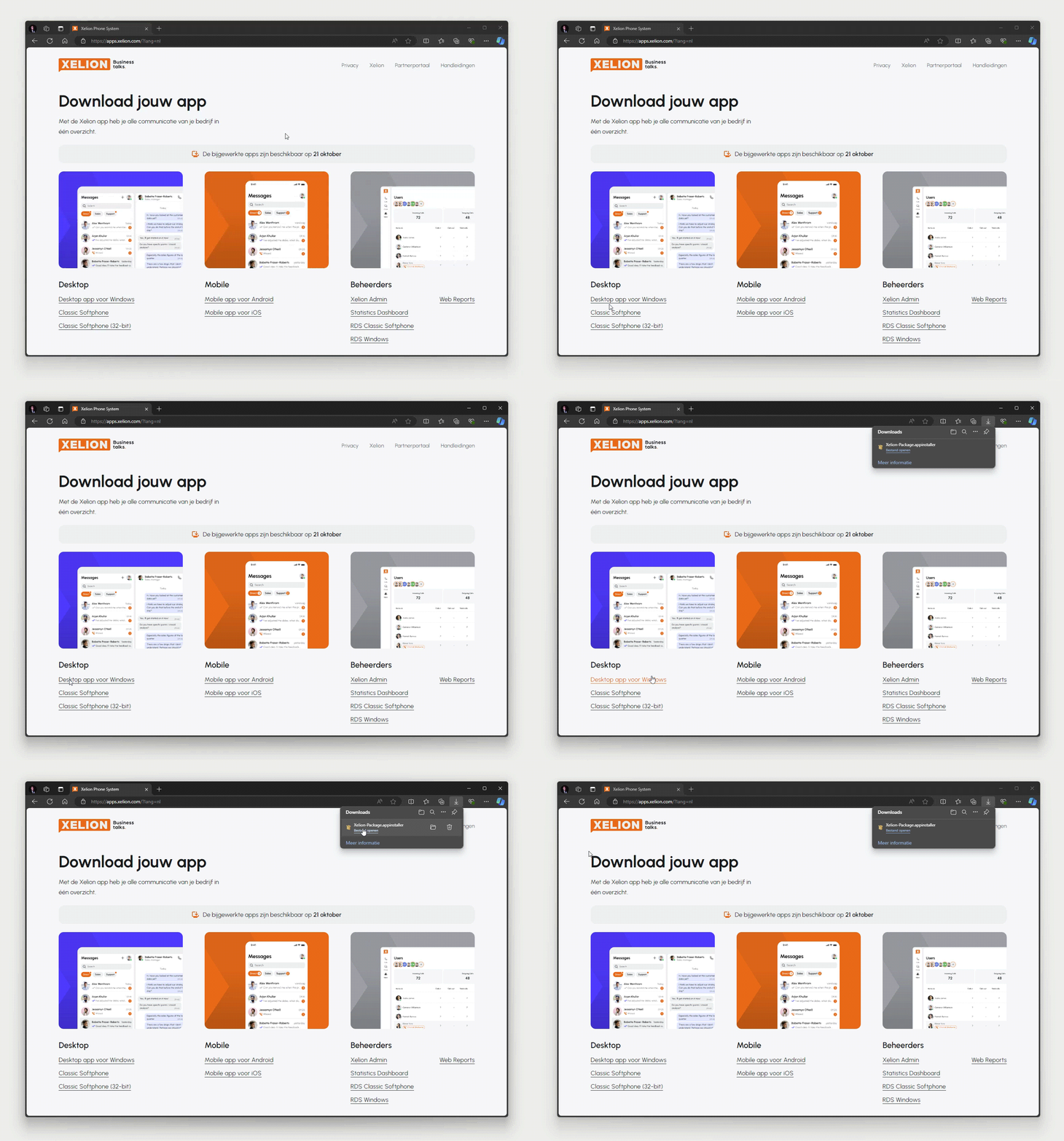
Stap 2
To install the downloaded app, double-click the file.
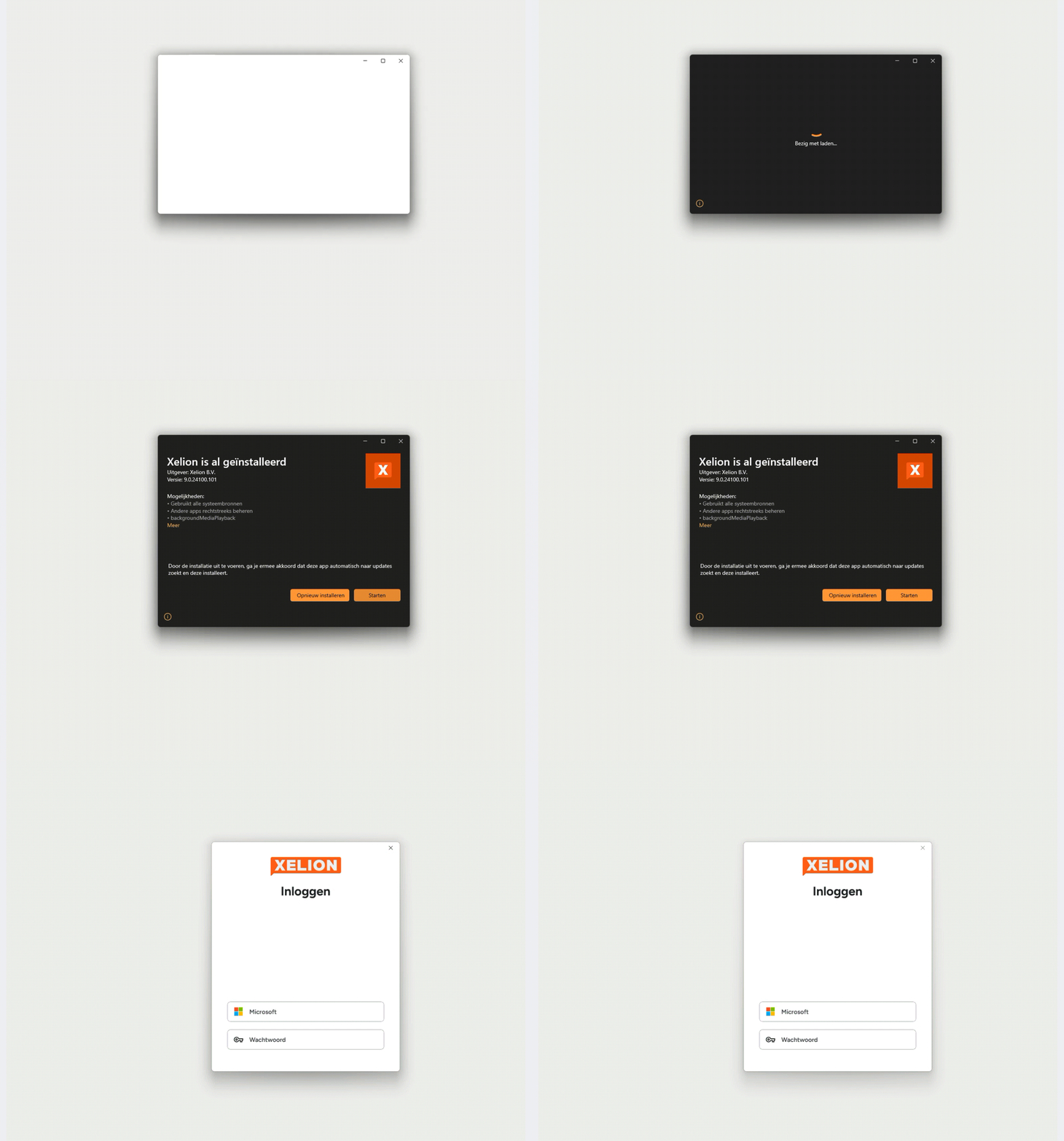
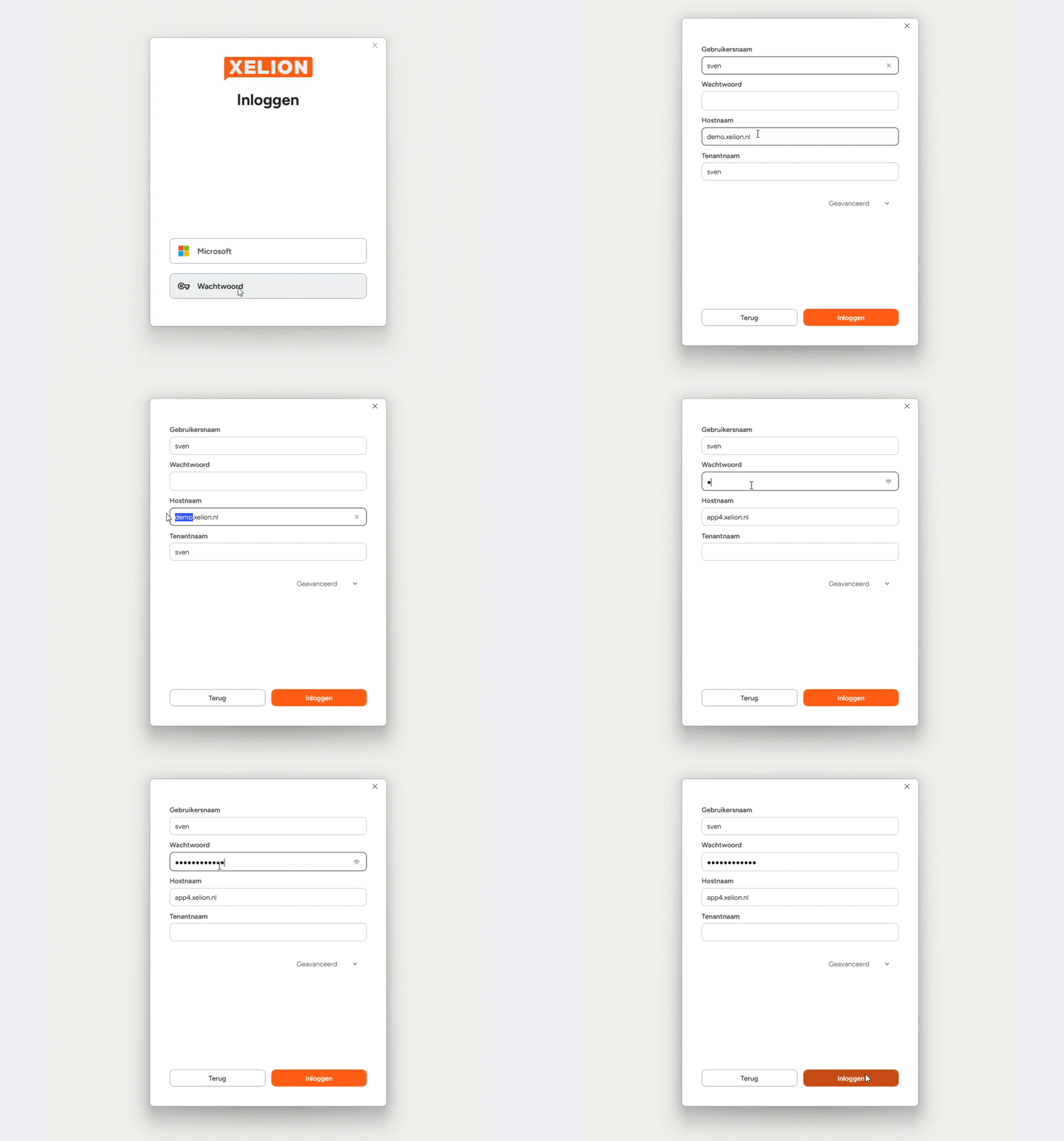
Stap 3
Log in using the credentials provided by your administrator.
Overview of the Features
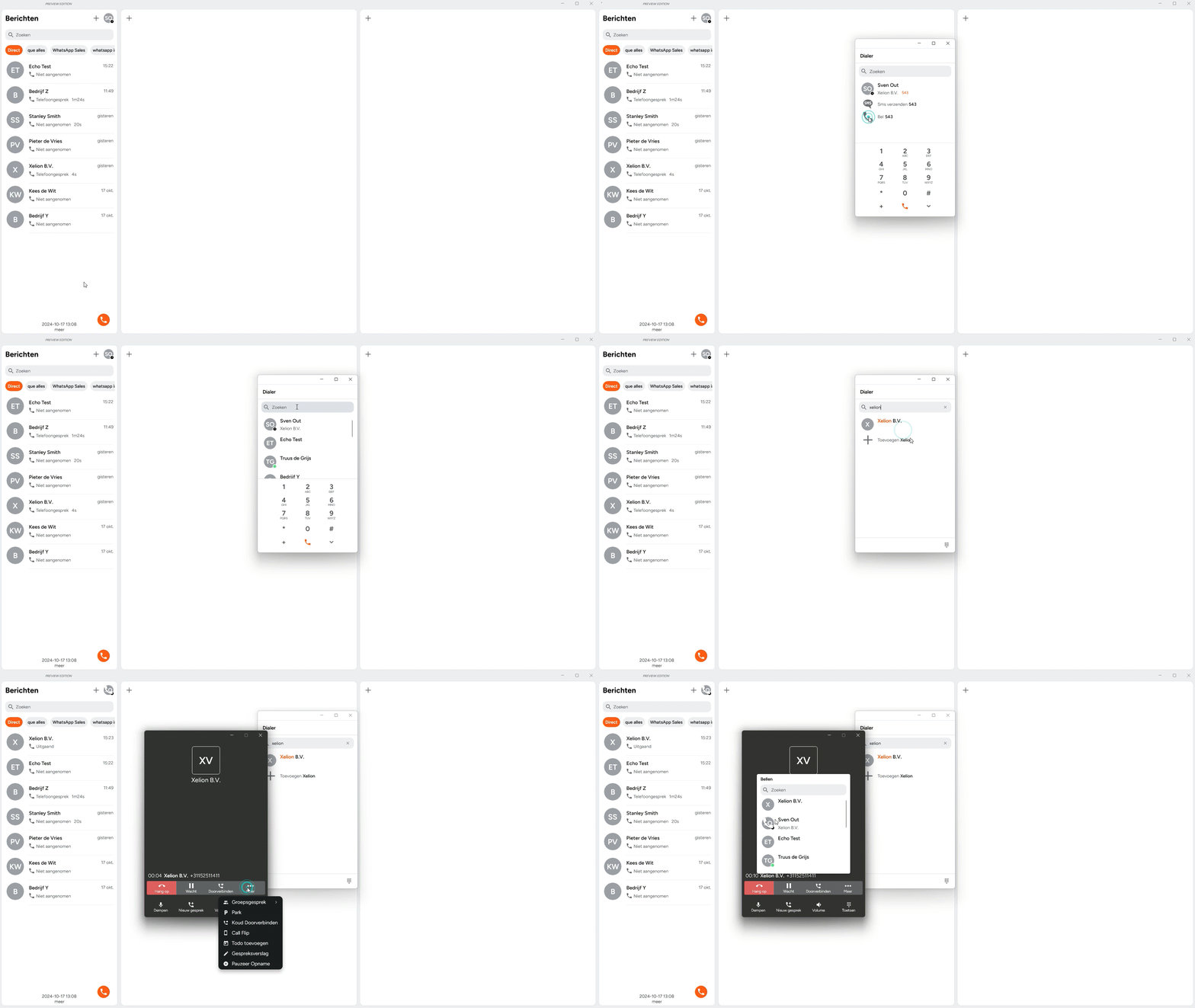
Calling
Easily and quickly make calls to your contacts and colleagues.
Personalised Dashboard
Customise your dashboard to match your workflow and preferences!
Presence & Favourites
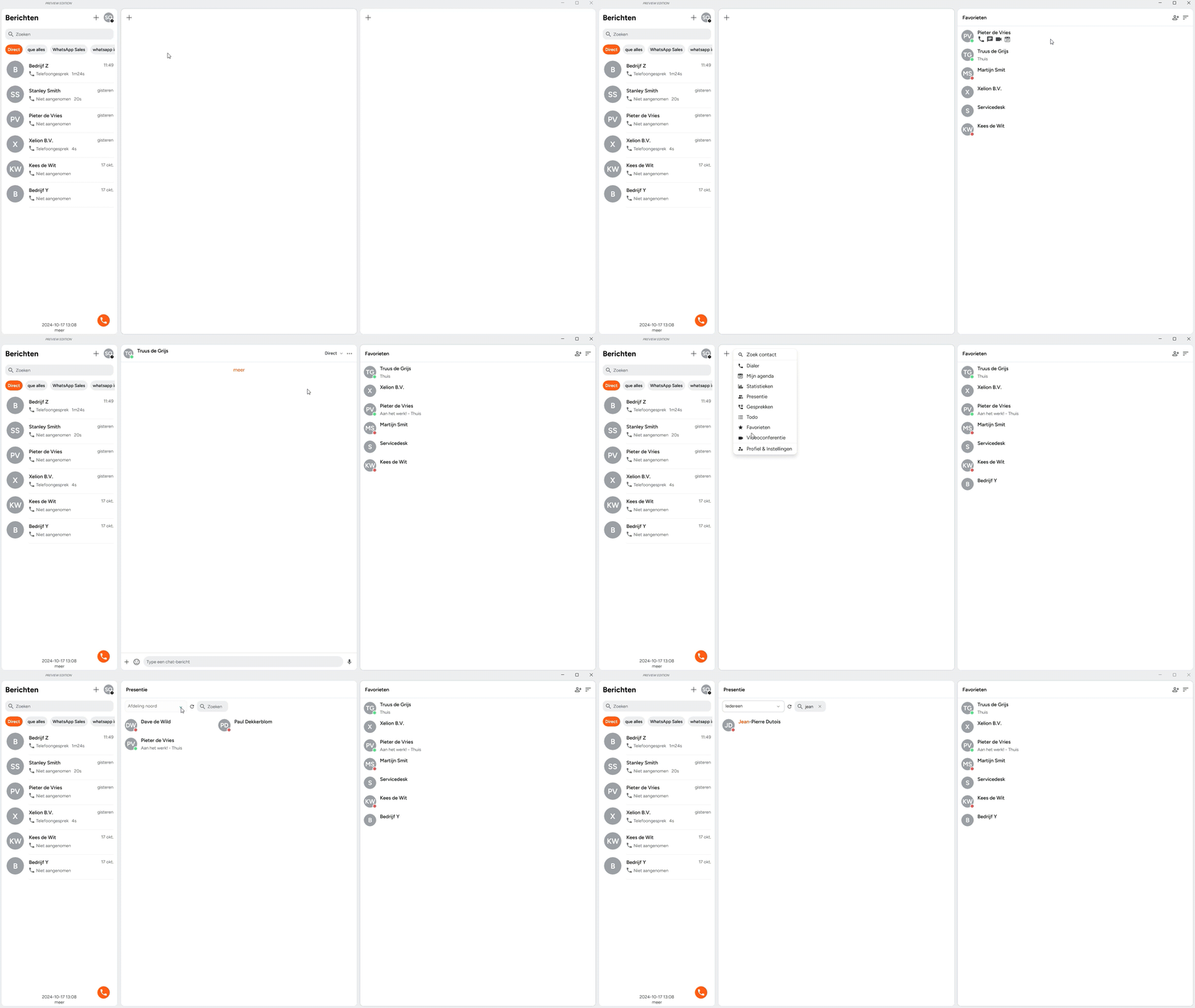
See the real-time availability of all your colleagues at a glance, and manage your own list of favourite contacts.
Call Flip
Seamlessly transfer your call from your computer to your smartphone and back again!
Send and Receive Messages
Chat with your colleagues or use WhatsApp to communicate with external contacts.
Communication Log & Call Reports
All your communications are logged and searchable, with the option to add call notes and, where permitted, call recordings.
Integrated Address Book
Manage your contacts easily using the Xelion address book.
Reports
Want to know how your telephony is performing? Quickly and easily access insights with our reports.
Starting a Call
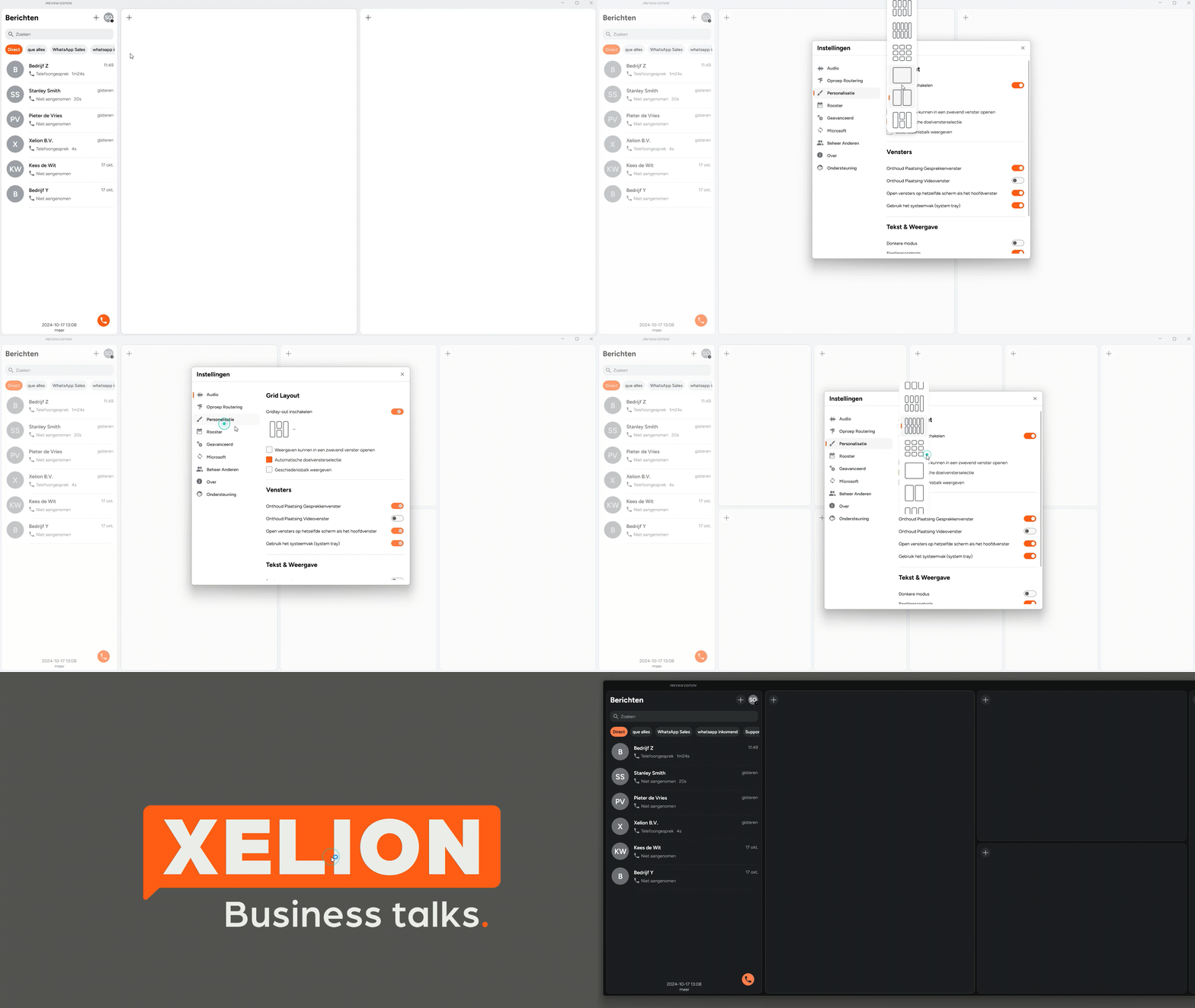
Personalisation
Presence & Favourites
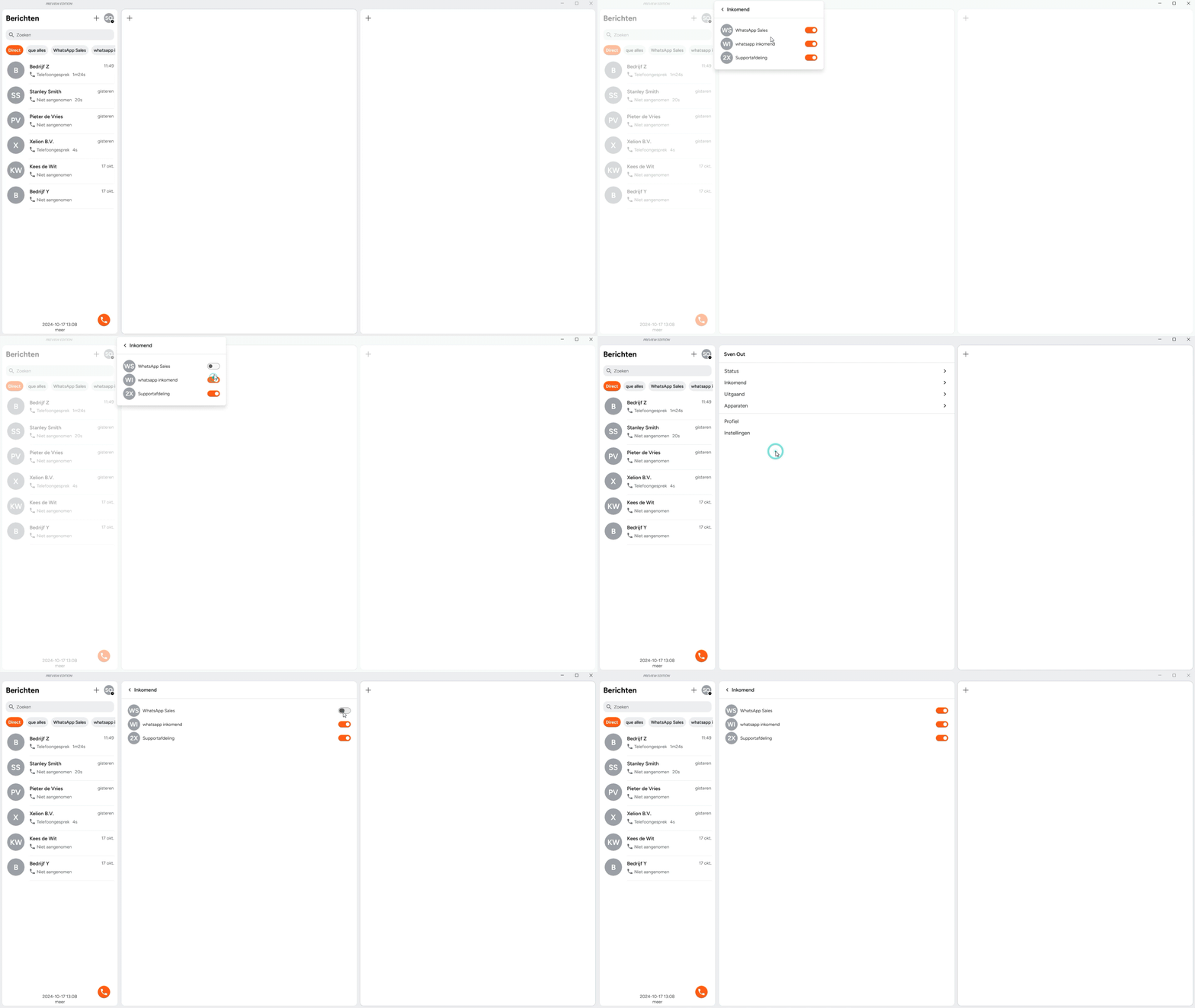
Selecting Lines
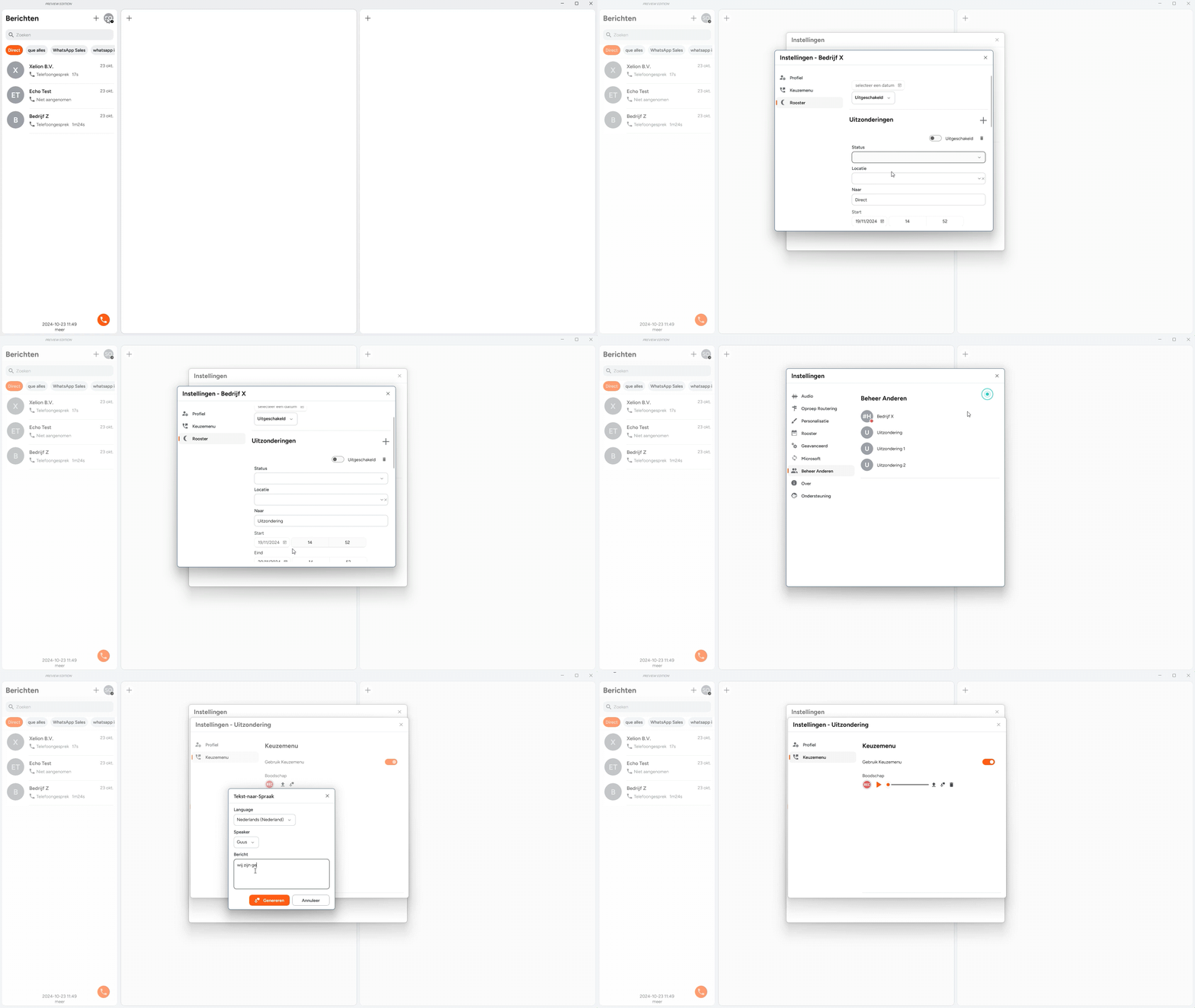
Setting a Roster Exception
Your questions answered
How to update the Xelion Windows App?
This is done automatically, should you ever need to re-download the app go to apps.xelion.com
Can I customise the interface?
Yes, you can completely customise the app, choose your own layout, activate day or night mode and decide which grid fields you want to see. To do this, go via your profile picture to settings and then personalisation.
How do I add a contact?
Managing your contacts is easy with Xelion. From your inbox, click the plus icon next to a number that is not yet in the address book and complete the fields. Alternatively, type a name or number in the dialler and then click the plus icon to add the contact.
What should I do if I experience a technical problem with the app?
Should you encounter any issues with the app, please contact the ICT partner responsible for the Xelion installation at your site.
Is there also a mobile app?
Yes, you can download these via the app or playstore and the links can also be found at apps.xelion.com.
Aan de slag met Xelion
Begin je zakelijke communicatiereis nu met de beste VoIP app ter wereld. Dowload Xelion nu direct.